Step-by-Step Debian 12 Hardening Guide for CIS Compliance
Short answer: harden Debian 12 by selecting the matching CIS Benchmark version and workstation profile, applying its recommendations in a recoverable test environment, then collecting evidence for each control. A handful of shell commands cannot certify a machine as CIS compliant. The benchmark version, profile, scope, exceptions, and verification method all matter.
Illustrative scenario: imagine an administrator named Maya preparing a Debian 12 desktop used for internal office work. This is a hypothetical example, not a reported deployment or test. Maya wants a defensible baseline without accidentally locking herself out or breaking desktop functions. The same decision sequence helps administrators adapt the benchmark to a real workstation.
Which CIS benchmark and profile should you use?
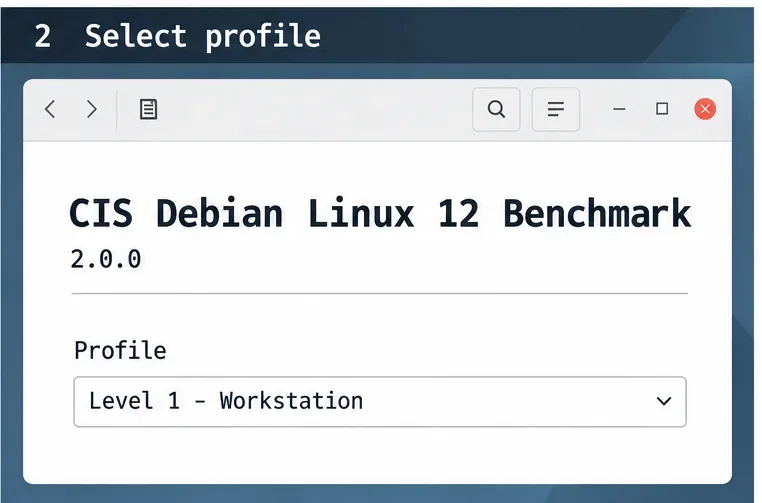
Start with the exact benchmark, not a generic “Debian hardening” checklist. As of October 9, 2026, CIS lists the CIS Debian Linux 12 Benchmark v2.0.0. Download the official document and record its version and publication details; a future revision can change recommendations. CIS states that its benchmark PDFs are available at no cost for noncommercial use, while some assessment tools and build kits require membership. Check the current CIS Debian Linux Benchmark page before selecting your assessment materials.
Choose the profile that matches how the computer is used and the scope you must meet. If the current Debian 12 benchmark offers a workstation profile, review that profile for a desktop; do not assume server controls fit a graphical endpoint. If your organization names a different profile or tailored baseline, follow that requirement and document the mapping. Maya would first record the benchmark version and the chosen workstation profile in her change ticket, rather than apply every recommendation indiscriminately.
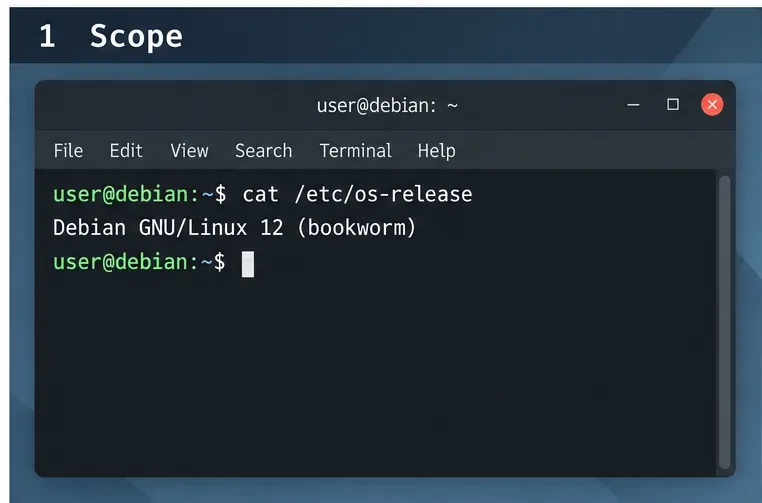
Confirm that the host reports Debian GNU/Linux 12 (bookworm) before applying a Debian 12 benchmark.
Can you safely recover if a hardening change breaks the desktop?
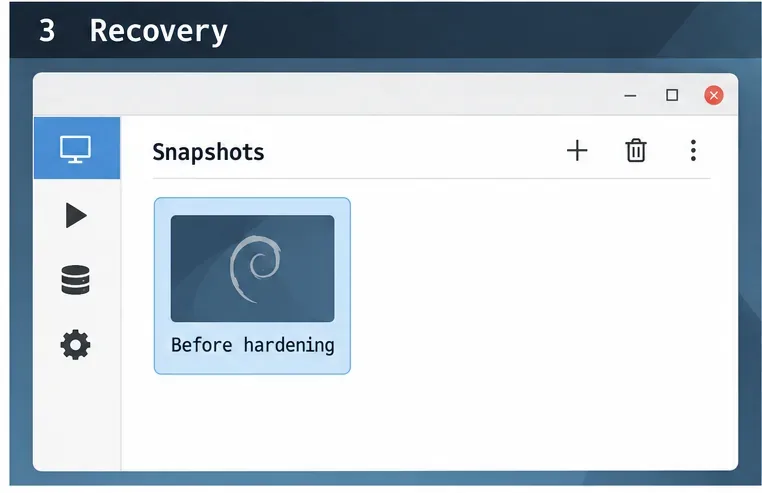
Before editing system settings, make a restorable backup and test in a virtual machine or spare workstation. Confirm that you have a working local console, recovery media, and access to the backup. For a virtual machine, take a snapshot and verify that you know how to restore it. A snapshot is not a substitute for a separate backup if the virtual disk or host can fail.